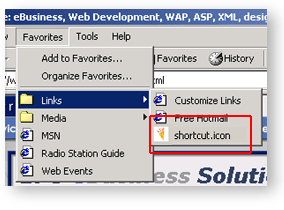
In the favorites directory in your browser.
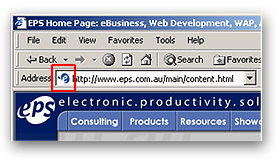
In the location bar.
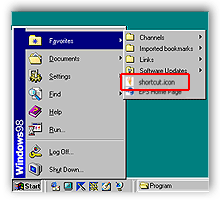
In the favorites directory located off the Windows™ start button.
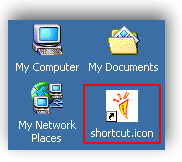
On the desktop.
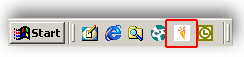
On the Taskbar.
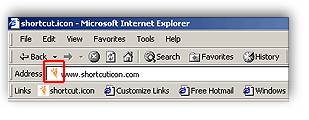 Another
example of the location bar.
Another
example of the location bar.| what is Shortcut Icon? |
Shortcut Icon provides 6 value-added ways to brand your Web site in the world's most popular Web browser. A Shortcut Icon is a customised logo that appears
next to your bookmarked Web site in Microsoft's
Internet Explorer 5.0 and above, as well as the Linux
Konqueror Web browser. When people look at their bookmark list they will be drawn to your
Web site because your unique logo will appear next to the bookmark
name, unlike other sites that will have the standard Repeated exposure to your Shortcut Icon will reinforce your brand and keep your Web site fresh in the memory of your visitors. Have your Web site stand out in the crowd. Use Shortcut Icon to
better your chances of achieving commercial success on the Web.
The Power of Branding And repeat Web site visitors are likely to become loyal customers! The ultimate aim of branding is to gain the trust of potential customers; to trust your organisation more than the competition and to think of your Web site before those of your competitors. Shortcut Icon helps you achieve this! Increase your Site's Prominence That's where Shortcut Icon shows its true branding power. Add a Shortcut Icon to your site and whenever someone bookmarks it, your logo will appear prominently in the bookmark list. But that's not all! Shortcut Icon actually appears in another 5 different places. Even if your site is not bookmarked, your Web site visitors will
see your Shortcut Icon. Make the Most of your Brand Back to top of page. |

 icon
next to their name.
icon
next to their name.